WordPress Block Editor Ready
Available on:
Free
Use the powerful WordPress block editor to create appealing Masteriyo course pages with the strength of blocks.
Introducing Block Editor Support
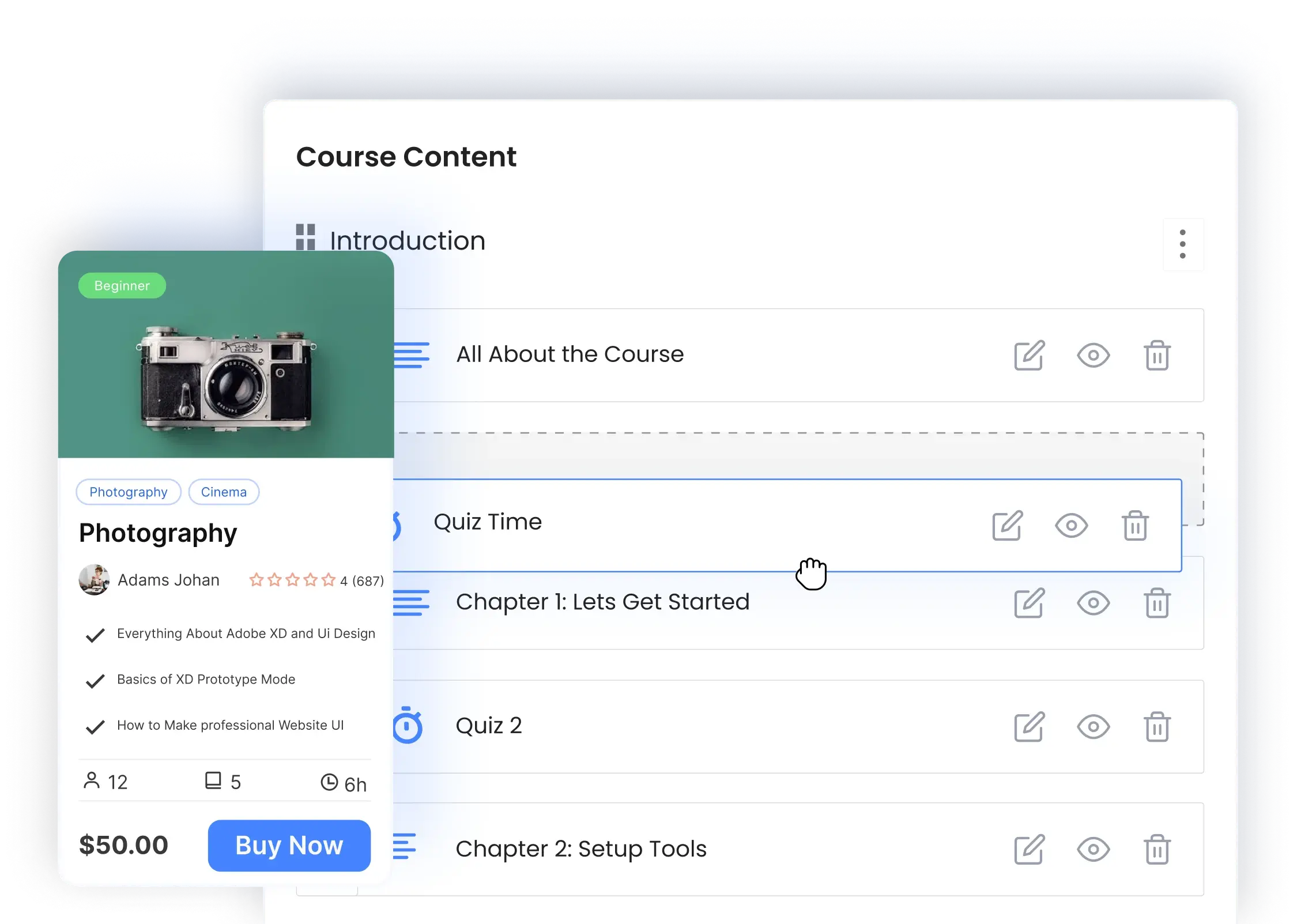
Masteriyo enables you to craft course overview pages and custom certificates using the WordPress Gutenberg block editor. Use the power of WordPress blocks to design an appealing course overview page and boost its visibility with your preferred SEO plugin integration.

Powerful Block-Based Course Creator
Utilize Gutenberg’s extensive set of blocks and styling options for making a visually stunning course page. Use any block including headings, images, covers, columns, widgets, and more. Easily switch to the WordPress editor and edit your course overview page with confidence.
Two Custom Blocks
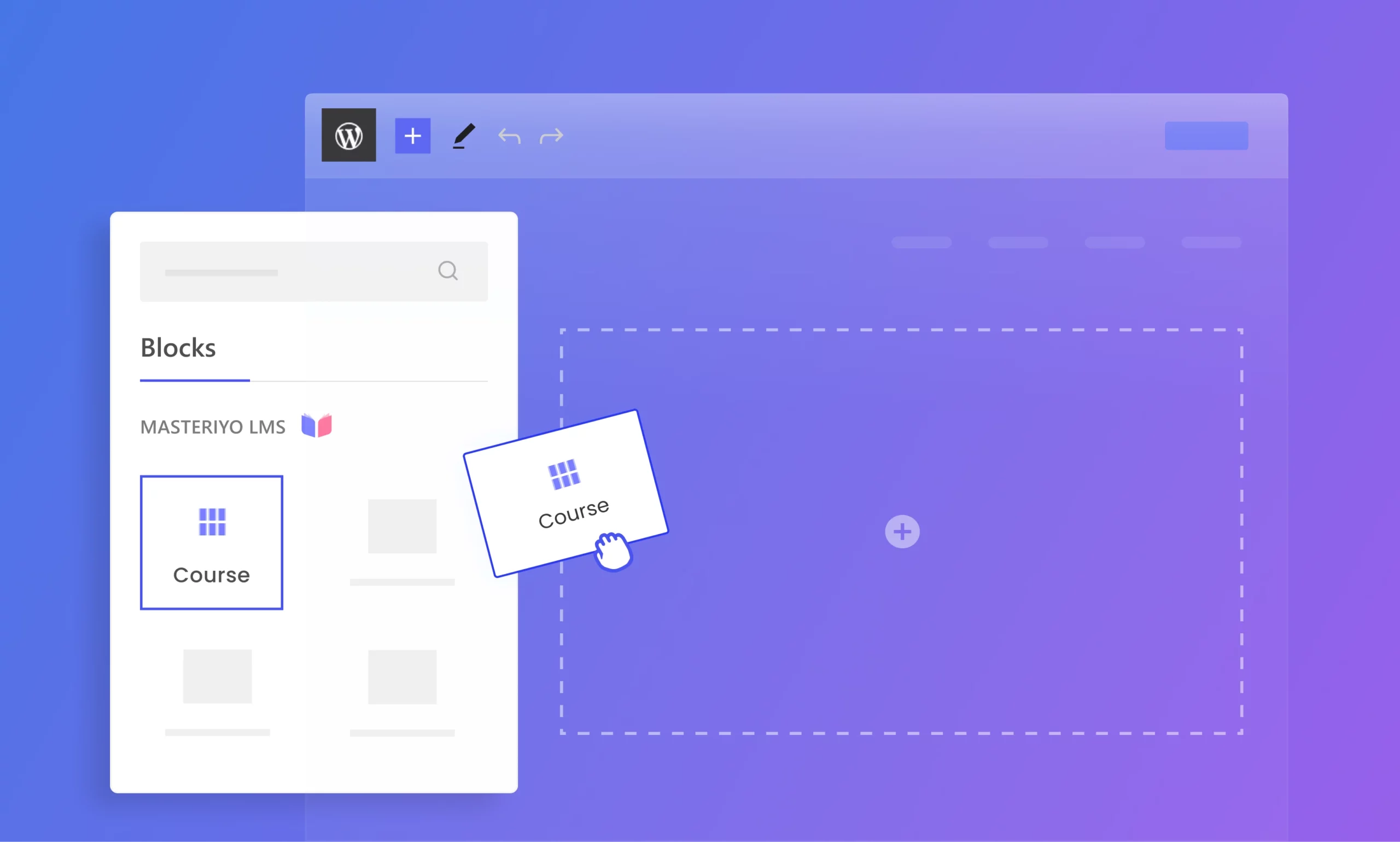
Masteriyo provides 2 custom blocks: Course and Course Categories, allowing you to showcase your courses anywhere on your site. Add, modify, and adjust these blocks to organize your content effectively.
Block-Based Certificate Builder
Masteriyo has a block-based certificate builder with 4 certificate blocks: certificate background, course title, completion date, and student name. Mix these blocks with more WordPress blocks and create beautiful certificates to reward your students.
SEO Support
You may access the Yoast meta editor through the WordPress block editor. It not only makes it easier to boost your rankings than the old “classic editor,” but it also allows you to optimize your content for specific keywords and track SEO performance.
Get started with free version first & later extend with premium packages as you need.
Join 2000+ professionals who use Masteriyo to sell online courses easily!