Masteriyo QR Login
Available on:
Free, Starter, Growth
Enable password-less authentication for instructors and learners using Masteriyo QR Login feature.
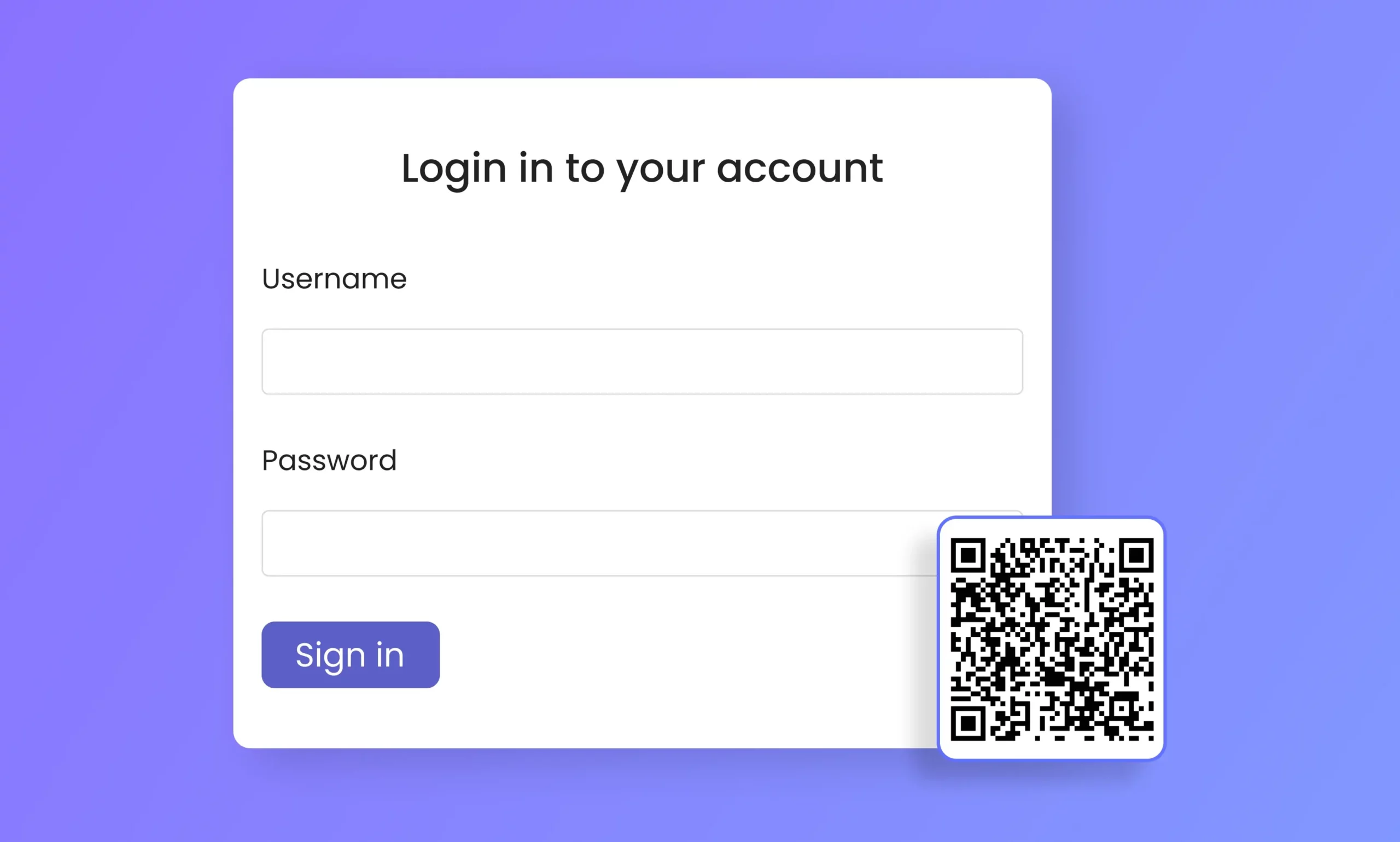
Masteriyo QR Login for your eLearning Platform
Don’t let passwords and passkeys get in the way of learning. Let your members access their LMS dashboard easily with just a scan.
Generate Login QR in 4 Easy Steps

Step 1
Enable QR Login from Masteriyo >> Settings >> Advanced >> QR Login.

Step 2
Generate a unique QR code from your Account >> Profile >> Generate QR Login.

Step 3
Download the QR code generated.

Step 4
Scan the QR using your smartphone or tablet to access your account directly.
Why use Masteriyo QR Login?

Secure
We use the same security mechanism for QR login that we use for password-based solutions. Making QR login as secure as traditional authentication method.

Convenience
QR Login eliminates the need to remember lengthy passwords and complex passkeys, making login simpler and more convenient.

Time-Saving
Logging in using QR Scan saves time you would otherwise waster in dealing with your log in forms and buttons.

Mobile-friendly
Be up to date with all course-related announcements and events by simply scanning your login code using your smartphone or tablet.
Frequently Asked Questions
Find commonly asked questions regarding our QR Login here
Absolutely! QR Login is as secure as any other traditional authentication method.
Yes! With QR login, you can access your LMS account with a camera from any smartphone or tablet.
You can create your personal QR login under the Profile section on your Account page.
Get started with free version first & later extend with premium packages as you need.
Join 2000+ professionals who use Masteriyo to sell online courses easily!