
Are you looking for LMS plugins for corporate training? Do you want to actively participate in your online personal training?
If yes, you’re in the right place!
Corporate landscapes are fast-paced and ever-evolving. Sometimes it’s challenging to ensure that everyone is familiar with the latest skill and knowledge.
To meet these standards, LMS plugins can be one of the suitable choices. Why? An LMS plugin will help you coordinate appropriately with an integral part of the corporate’s strategy for growth.
In this article, we get to know about LMS plugins, corporate training, and their types. Then, we will know about its practices and use cases. We’ll also suggest you a suitable plugin for your corporate training.
So, let’s look at it in detail!
What is an LMS Plugin for Corporate Training?
These days LMS plugin isn’t limited to just eLearning. It can be used for corporate training, medical training, compliance management, public outreach initiatives, etc.
LMS plugins for corporate training let users do online personal training at their own pace. You can decide for yourself how, when, and where would you like to continue your training.
Corporate training using the LMS plugin is not limited to desktops or laptops. Workers can gain training through mobile devices as well. How? LMS plugins are multi-platform compatible.
These plugins include all the functionalities to enhance the learning and development goals of your corporate.
However, while selecting any LMS plugin for corporate training we would suggest you ask these questions!
- What are your training goals and objectives?
- How big/small is your corporate workforce?
- What features does this LMS plugin provide to enhance your corporate training?
- How frequent are the training requirements?
These questions are not the only question you need to ask, but the top ones!
What is Corporate Training and its Types?
Corporate training, or workplace learning, is a free educational activity for employees to enhance their skills and knowledge.

It can fit both corporate owners and team members simultaneously.
Having corporate training will enable internals, externals, and learners of your organization to gain the right knowledge. This way you can gain effective training and make fruitful decisions as and when needed.
Corporate training comprises soft skills training, compliance training, technical skill training, orientation, onboarding, etc.
Types of Corporate Training
There are different kinds of corporate training available out there. Here is a list of the most common types of corporate training in a workplace.
- Orientation training: Orientation training is also known as onboarding training. Newly hired employees are prepared for their job roles in a corporate through it.
- Compliance training: This kind of training educates employees about laws, rules, and guidelines about their company, roles, and responsibilities.
- Product training: In this training, employees are provided with sound knowledge about the corporate’s products and services.
- Leadership training: It is a specialized training program to refresh and reset the mindset of leaders. Leaders are encouraged to learn their roles better. This way they can become an exceptional leader!
- Technical training: Numerous technologies are emerging for each niche. To stand out from competitors, make sure to be well-trained with core technical skills to master your respective job.
Moreover, there are many other types of corporate training. But for this article, we handpicked the top 5 list that should be focused on the most!
Top 5 Practices of LMS Plugins for Corporate Training
When looking for an LMS plugin for corporate training, here are some of its best practices!
1. Content Curation
Content Curation is a process where all the relevant information is gathered, selected, organized, and shared from different sources.
In this practice, high-quality content is found and shared to enhance the learning process during the training.
LMS plugins for corporate training rightfully let you do so by gaining the right information through different online courses. It helps the readers find valuable content at the right time.
Learners can get familiar with a wide range of perspectives and insights to stay up to date.
2. Gamification and Rewards
LMS plugin for corporate training plays a crucial role to enhance gamification and rewards. This practice motivates the employees and improves their engagement.
As a result, there will be great outcomes from the training to enhance the overall learning process.
Different gamification elements like leaderboards, badges, points, and progress bars create an urge among employees to do better every day.
Using LMS plugins for corporate training lets you easily integrate rewards into the training process. Hence, this will further motivate your employees.
3. Social Learning
Social learning in corporate training implies learning from technologies or colleagues.
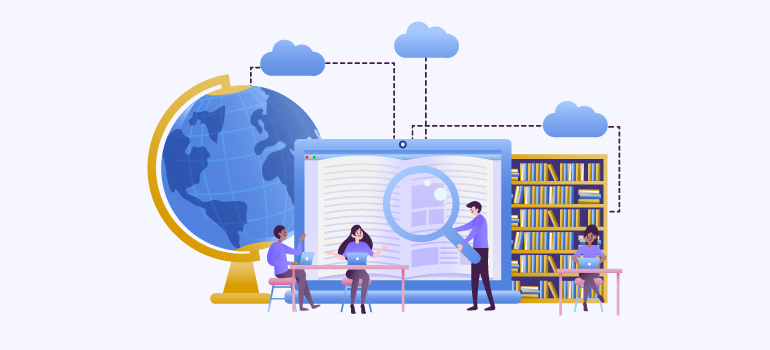
Employees can learn in a collaborative way. Wondering how? LMS plugins for corporate training let you ask questions, provide an answer and interact through discussion forums and chat.
Trainers can create groups based on their roles, department, or training they are trying to obtain.
LMS plugin not only lets you share content but share different learning materials like videos, presentations, and more.
Not only trainers but even fellow colleagues can review each other work and provide feedback. This way there is greater space to learn and improve.
4. Integration with HR System
An HR system combines all systems to manage a corporate’s human resources, entire processes, and data related to them.
Here’s how an LMS plugin helps you integrate with the HR system:
- LMS plugins for corporate training let you sync data of the interns and employees.
- While integrating the HR system with the LMS plugin, the single sign-on functionality is enabled. After that workers of corporate can login to LMS using HR system credentials.
- Exchanging data about employee performance and their training process becomes a lot easier.
- Enables you to deliver relevant training material throughout the onboarding process.
Hence, when the LMS plugin is integrated with the HR system it makes sharing data, reporting, and analytics sharing easier.
5. Continuous Assessments and Feedback
Assessments and feedback are very important practices for corporate training. It ensures that you’ll do proper improvements and gain online personal training.

Some of the major features of assessments forms are presented below:
- Provides different types of questions such as multiple choice, true/false, fill-in-the-blank, short answer, interactive questions, etc.
- Total score and grading based on employee’s performance.
- Makes sure that every student gets different questions to ensure there’s no cheating.
- The LMS plugin provides better security to ensure that assessments are preserved from unauthorized users.
Moreover, feedback is provided to employees by peers, instructors, learning analytics progress reports, and more.
Best Use Cases of LMS Plugins for Corporate Training
Let’s get familiar with some of the best use cases of LMS plugins for corporate training!
1. Onboarding
LMS plugins for corporate training provide different functionalities to enhance the onboarding process.
Using the centralized system of the LMS plugin new hires can have direct access to onboarding and interactive modules. You can manage videos, documents, presentations, and more.
While onboarding, new employees are kept engaged through multimedia elements, assessments, and quizzes.
You can receive training either with other group members or gain it through your own online personal training. The decision is entirely yours.
2. Progress Tracking and Reporting
In corporate training, it is primarily important to analyze the performance, score, and progress of interns. Not only interns evaluating employee’s work is also equally necessary.
Using the LMS plugin you can easily track the progress made by each employee.
One of the best parts about evaluation is that the leaders can easily identify who’s struggling. This way they can help the ones who are facing problems or have any sort of confusion.
LMS plugins for corporate training help to determine:
- Automatic reports after completion of each course.
- Progress made by individual employees through detailed monitoring.
- Knowledge retention of each employee and more.
Hence, the LMS plugin is the right tool that provides employees with an insightful learning path.
3. Improve Sales Performance
Support, the marketing, and sales team of a corporate use the LMS plugin the most. It is used to provide effective training, gain knowledge on the way to create online courses and sell them.
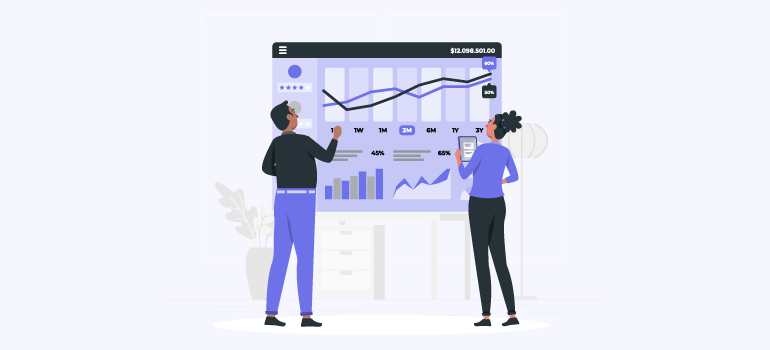
Responsible employees can circulate or deliver proper knowledge about the product. This way while sales team will have detailed knowledge while discussing the respective ideas with the clients.
Corporate employees can gain strategies and techniques for sales, negotiation skills, customer service, and more.
The sales training helps you to standardize the sales process. This way the sales representatives can gain information. Eventually, the sales outcomes will increase drastically.
4. Skill Development
LMS plugins enhance the skill of employees by providing them with an ample number of online courses.
Moreover, after acquiring all the necessary skills and knowledge, corporates can even start an online course business of their own.
Using the adaptive learning capabilities of LMS plugins employees can gain online personal training. This way each employee will be provided with an option to learn at their own pace.
Skill development through the LMS plugins for corporate training will create a strong learning culture. This way there will be more efficiency in the workforce and a reduction in the turnover rate.
Hence, LMS plugins will be the gateway to provide targeted training in the easiest way possible.
5. Online Personal Training
Each employees have different abilities to learn. LMS plugins for corporate training provide each employee with an opportunity for online personal training. This way you can learn at your own speed.

Employees can manage their own course activity with ease. You can also manage messages and interact with other team members at your own convenience.
Learners can primarily focus on the areas they need to focus on and work on. The LMS plugin enables you to optimize the training time your way.
Online personal training facilitates microlearning. This way you can deliver small (bite-sized) learning content.
Hence, by enabling online personal training you can adapt to a more skilled and productive workforce. You don’t need to compete with others and learn things at your own pace!
6. Professional Certifications
Certificates are one of the important parts of learning. Why? It helps you to share what courses you’ve learned and the information obtained through them.
LMS plugins for corporate training provide each employee and trainee with professional certificates after completing each course.
Certification goals will motivate the employees to complete their courses and gain the required skill.
LMS plugin provides a diversified learning approach which leads to mastery of different materials of certification. Managers can also analyze employees’ progress toward the goal of gaining certificates.
Which LMS Plugin Can Be Suitable for Your Corporate Training?
Almost every LMS plugin owner claims their own plugin to be the best option available out there!
To make sure that you choose the right LMS plugin, first, we suggest you check its features. Then, look if it fits your corporate training objectives and goals or not.
We’ve tried out different LMS plugins for corporate training and decided to use Masteriyo WordPress Plugin. Wondering why? We think it’s clearly the best option for corporate training.
Let’s get to know about the plugin and its features in detail to figure out why it’s the best option!
Masteriyo – Powerful WordPress LMS Plugin
Masteriyo is a modern WordPress LMS Plugin created in 2022 by ThemeGrill. This newly introduced plugin has been creating a buzz in the market due to its awesome ability to engage almost every user.
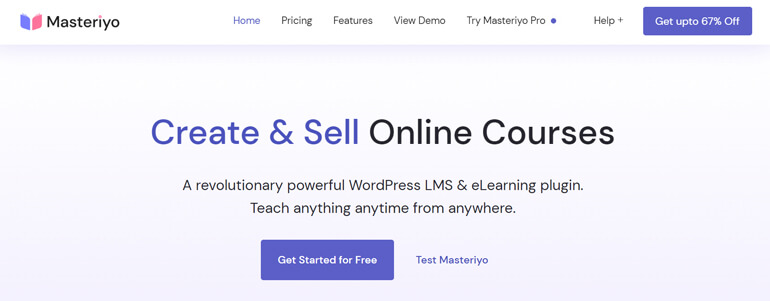
The plugin enables you to teach and learn anything, anytime from anywhere. It provides its users with both free and premium versions.
You can create, edit and manage the training courses effortlessly using drag and drop course builder. On top of that, the plugin is beginner-friendly, so you don’t need any coding knowledge.
Its quiz sections, distraction-free learning mode, and dedicated question-and-answer sections will make your corporate training engaging. This way the training will turn out to be effective and fruitful.
You can extend the plugin’s core features using its add-ons. Try it out today and experience the benefits for yourself!
Key Features and Functionalities
Some of the most exclusive features offered by the Masteriyo LMS plugin are as follows:
- Easy course settings: Masteriyo plugin eliminates all the unnecessary user interfaces and lets you obtain corporate training with ease.
- Automated grading: Corporate HR or leaders can evaluate the performance of their employees with ease. You can calculate, record and share results in tabular form.
- Multilingual support: A corporate has employees across the world. But don’t you worry! Masteriyo is multilingual, so you can communicate and gain training in the language you prefer.
- Amazing security: Masteriyo provides better security by ensuring a strong password and sign-up or registration of real users. The plugin protects your forms from spam and abuse.
- Course progress bar: The course progress bar at the top of the learning page helps employees address their progress reports and evaluate their performance.
Frequently Asked Questions
LMS plugins for corporate training enable you to provide centralized training, access to materials, tracking, reporting, and more.
LMS plugin improves employees’ learning experience by providing all resources in a single place with ease. Also, the content is provided in an engaging way.
Yes, an LMS plugin is capable to manage a growing number of users and courses. But, sometimes you’re suggested to switch plans as per your requirements!
LMS plugin enables to deliver different types of training content like multimedia files, videos, assessments, quizzes, and more.
Masteriyo is the best LMS plugin for corporate training due to its features like an easy and intuitive interface, scalability, integration capabilities, etc.
Conclusion
There you go! We’ve provided details about some of the best practices and use cases of LMS plugins for corporate training.
An LMS plugin facilitates your corporate training by providing improved learning outcomes to employees. Moreover, it enhances the functionalities and capabilities to conduct efficient training programs.
Whether you’re training your employees, customers, or partners, an LMS plugin can be your one-stop solution. The enhanced features will for sure take your corporate training to the next level.
LMS plugins for corporate training should be able to adapt to changes. No wonder, there’s no other plugin that does it better than Masteriyo!
Want to know the comparison between Masteriyo vs. LearnPress? No worries, we’ve got your back with a detailed comparison.
For more articles related to the LMS plugin, visit our blog page.




![Zakra 3.0 | Zakra Pro 2.0 Release [Major Updates!]](https://i.ytimg.com/vi/g3rifl7kWvg/maxresdefault.jpg)